界面预览 · Screenshots
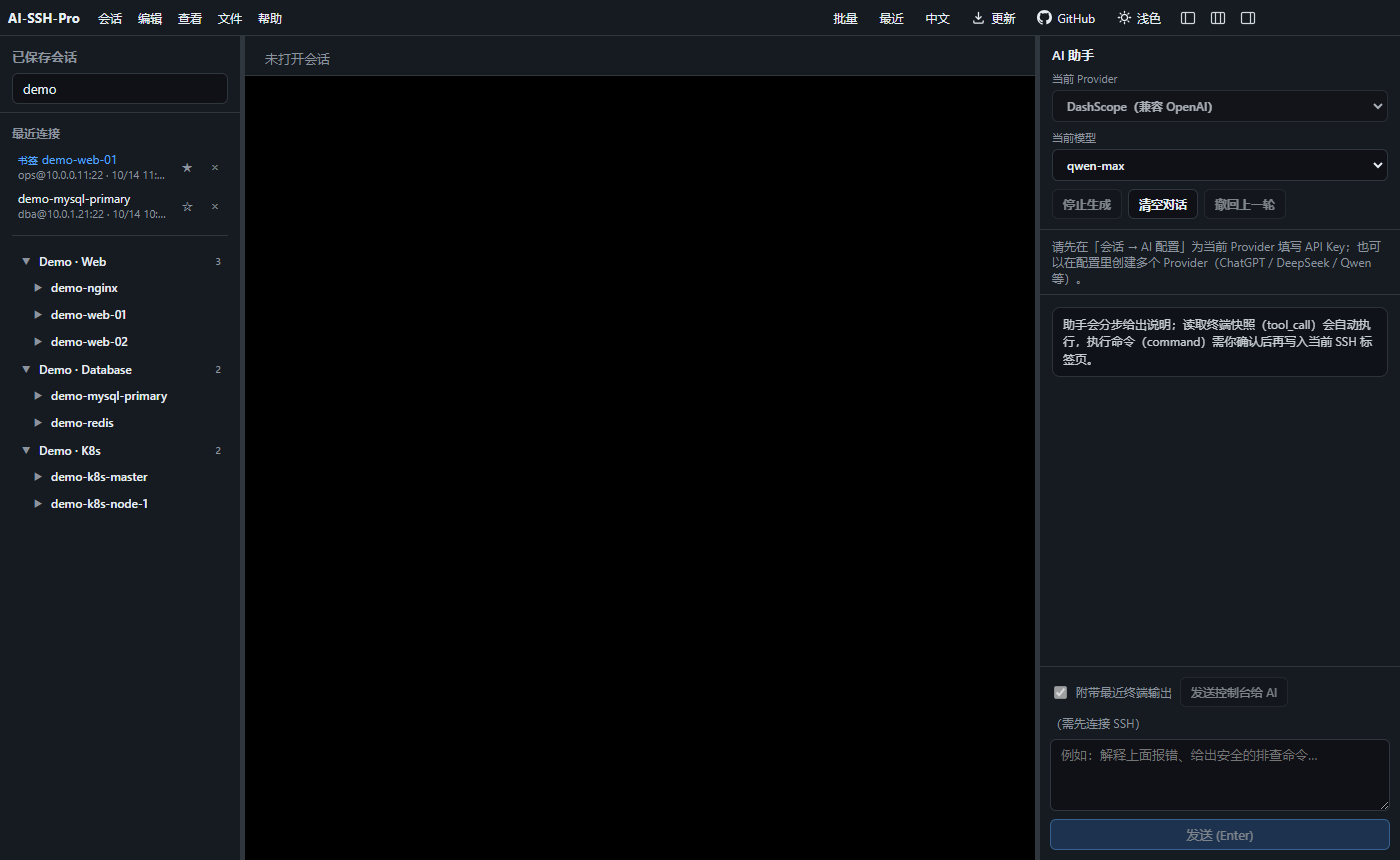
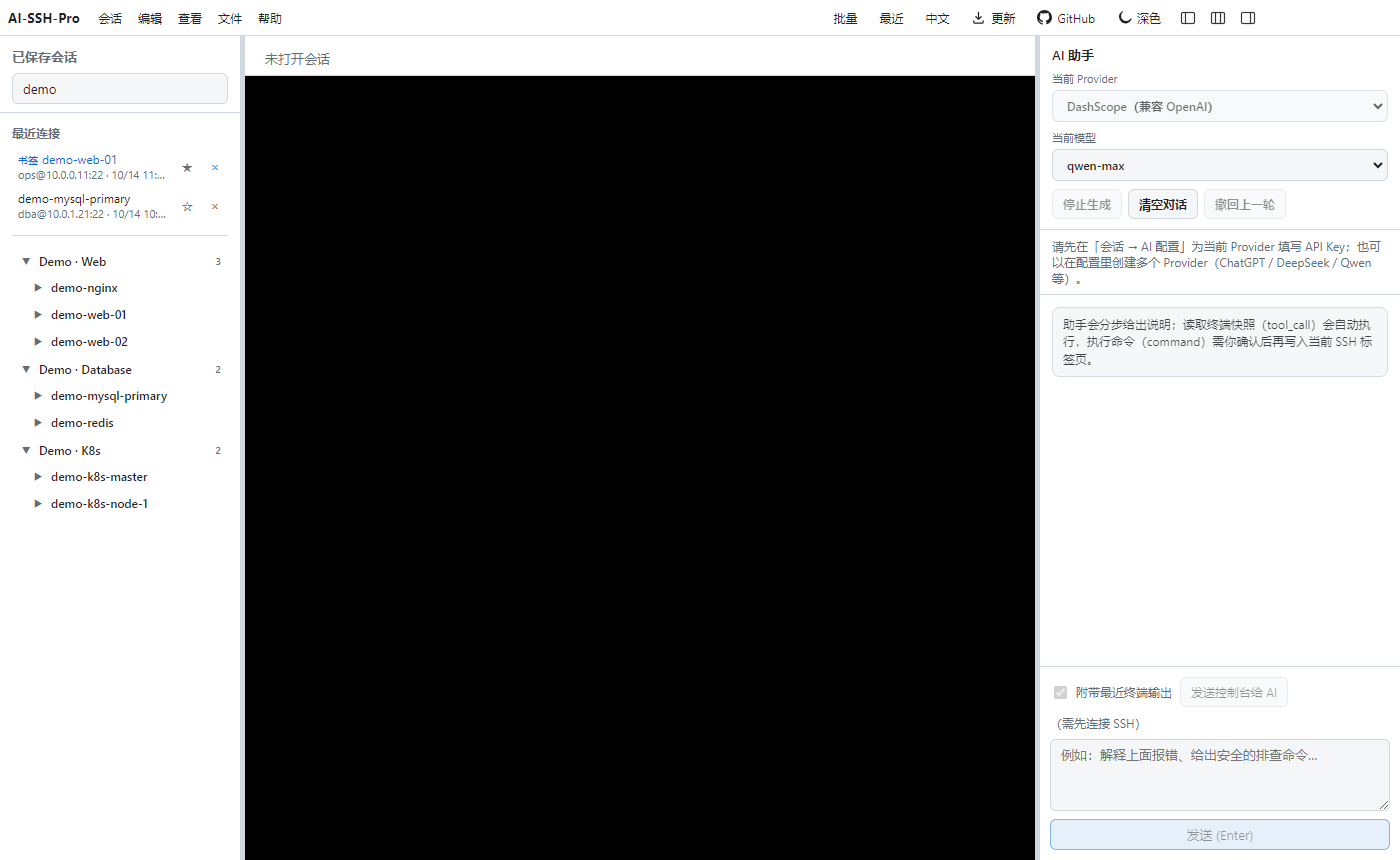
演示数据 · Demo data only
v0.4.6 · Docker 工具箱 · 质感抛光 · AI 运维工作台
v0.4.6 已发布:工具箱 Docker 与会话树对齐(Compose / Swarm / 独立容器,状态与启停),加上质感空态与诊断卡片;并保留 0.4.0 运维工作台——运维首页、告警、防护、剧本、加密同步、审计与录制。观察 → 规划 → 你确认后才执行命令。
⬇ 下载最新版本 ★ GitHub Gitee# AI 助手 · Core-A 你: 看看这台机器为什么磁盘满了 AI: 观察终端快照… 计划执行: $ df -h && du -sh /var/log/* | sort -h | tail [ 确认执行 ] [ 取消 ] ← 命令只在你确认后运行
演示数据 · Demo data only
主机档案存储在本地磁盘(默认 ~/.ai-ssh-pro/inventory),应用内 AI 与独立的 stdio MCP 服务共享同一份文件。可接入 Cursor、Claude Desktop 等工具。
Tools: list_hosts · get_host · search_hosts · upsert_host · upsert_service · append_note
{
  "mcpServers": {
    "ai-ssh-pro-inventory": {
      "command": "node",
      "args": ["/path/to/ai-ssh-pro/scripts/mcp-inventory-server.mjs"]
    }
  }
}直接从 Releases 下载安装包,或从源码运行。AI 支持任意 OpenAI 兼容接口(如 DashScope)。
🔒 隐私:SSH 密码、私钥与 API Key 只保存在本机,并使用系统安全存储加密。无账号;云同步默认关闭,开启后只上传本机口令加密的密文(私有 Gist / WebDAV)。
git clone https://github.com/guoshuaipeng/ai-ssh-pro
cd ai-ssh-pro
npm install
npm run dev

# 打包 Windows / macOS 安装包
npm run dist